




Rooksbet Mobile Platform
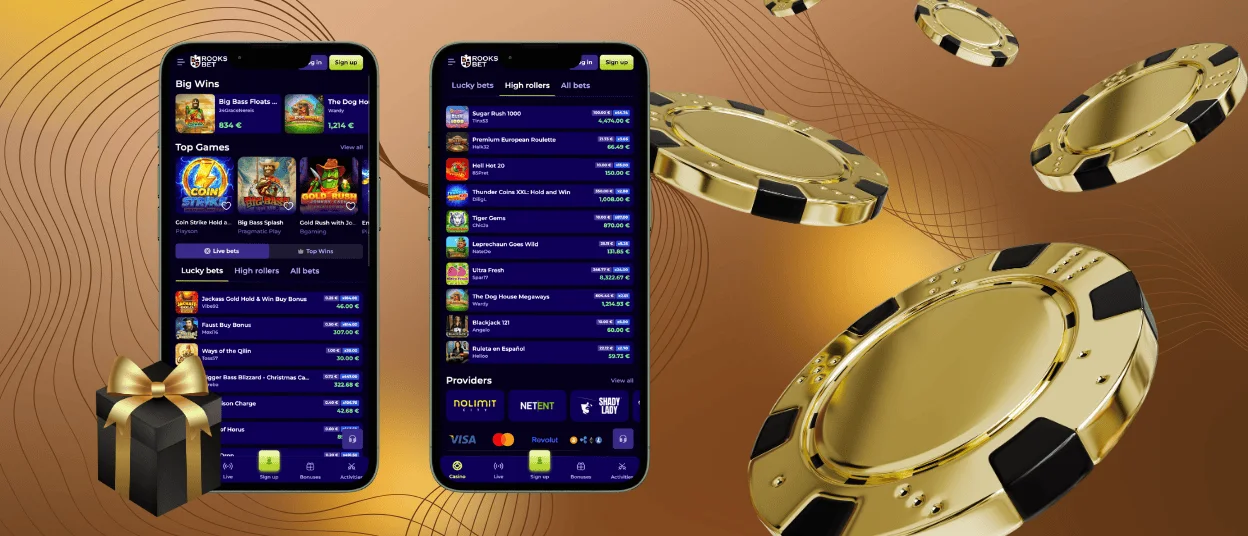
Everything you’d want from our casino shows up in the Rooksbet app too – all the titles, bonuses, payment options, and features that make the platform work. Device choice doesn’t lock you out of anything important. Pick whatever feels most convenient for your current situation. Log into your account, and everything syncs automatically: personal details, balance, achievements, all of it matching across platforms. Rooksbet Casino runs smoothly on current Android and iOS devices without compatibility drama.



Advantages of the Rooksbet App
Playing Rooks Bet on your phone or tablet delivers genuine convenience since you can jump in anytime from basically anywhere. Features from the PC version transfer over completely. The entire game collection, like online slots, table games, instant win products, and live casino rooms, becomes accessible from any mobile device you’re holding.
Two paths exist for mobile access: browsing through your phone’s regular web interface or grabbing the dedicated Rooksbet app. Both deliver a solid gaming experience featuring fast loading, functionality optimized for mobile, and gameplay that doesn’t stutter or lag annoyingly.
Running a regulated casino entails taking the rules of the industry very seriously. The Rooksbet mobile casino version uses web application firewalls and secure RSA-2048 key exchange to keep your account safe from hackers. Regular testing of the mobile app shows that it is still completely safe to install and does not have any hidden security holes in the code.
How to Play Rooks Bet on iPhone & iPad
Installing the Rooksbet app on iOS devices follows the easy pattern. The mobile casino installs directly from the main website, keeping things simple. Design and navigation stay familiar if you’ve used the desktop version before, so there’s no learning curve reorienting yourself to completely different layouts.
Step-by-Step iOS App Installation
To get the app on your iPhone or iPad, you should hit the “Share” icon at the bottom of your screen. When the menu appears, choose “Add to home screen.” The brand icon will appear on your screen, ready to be tapped.
But you should know that if you’re not ready to install something new yet, it’s totally fine. Just visit the page through Safari or Chrome and enjoy games on the go without the Rooks Bet Casino app.
Rooksbet from PC or Mac
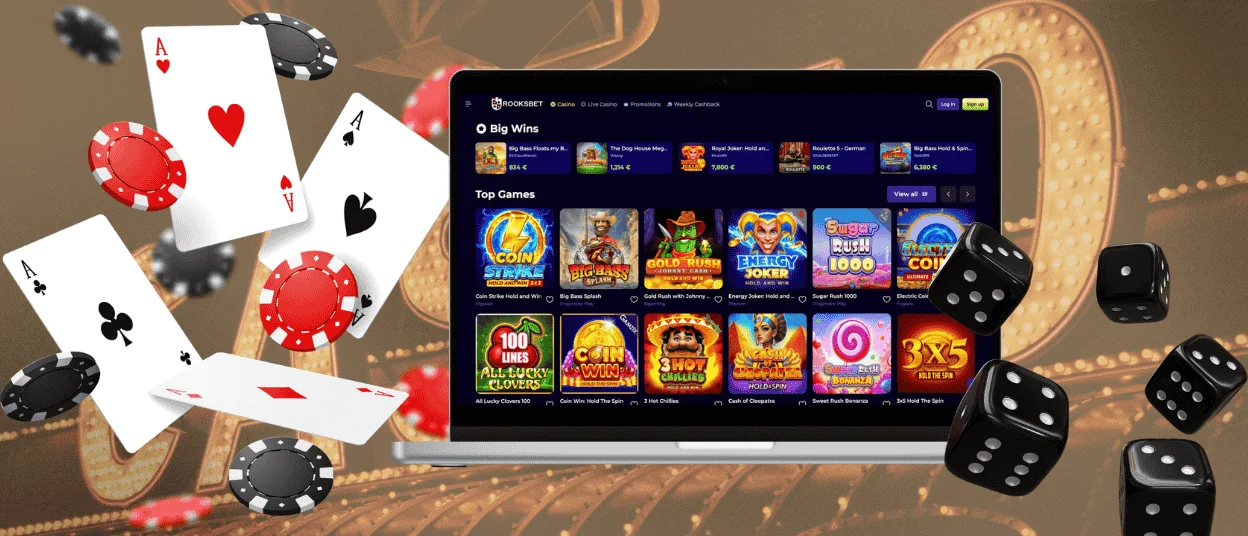
The PC version remains available for anyone preferring larger screens or desktop setups. Switching between devices works smoothly depending on your situation and location at any given moment. The critical thing: use the same Rooksbet Casino account everywhere. Only then does your data synchronize properly across platforms without manual transfers or lost information.
Modern browsers let you create shortcut icons for frequently visited pages, and this works perfectly for Rooksbet Casino too. Creating a desktop shortcut means accessing the casino with one click, skipping the whole routine of opening browsers and hunting through bookmarks or typing URLs repeatedly.
Downloading and Using the App on Android
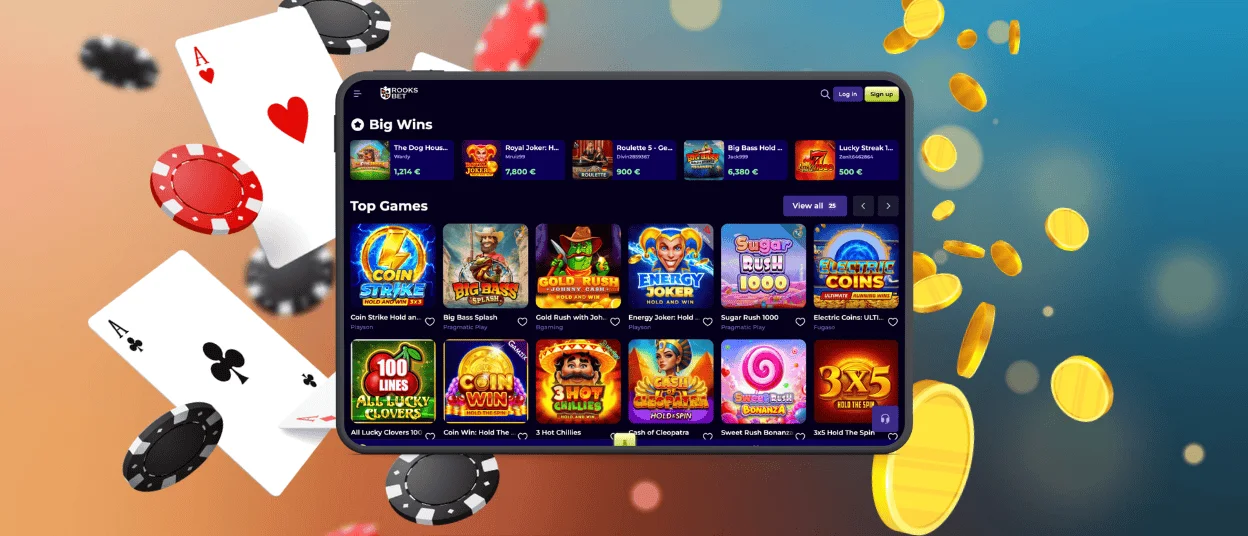
Android smartphone or tablet owners can easily access the platform on their devices. Just pick up the web browser you prefer and visit the site. Rooksbet adapts itself to your screen size and resolution automatically without manual adjustments. Functionalities and processes don’t get stripped down or limited. Everything available on the desktop works on mobile too.
Another option exists for playing on the go: the Rooksbet app for Android. It’s a progressive web application downloaded straight from the website. Storage impact stays minimal since it relies on cached data doing the heavy lifting. You don’t need to download any more Rooksbet APK files from untrustworthy sources. The installation instructions will quickly and easily guide you through the setup process.
| Step | What You’re Doing |
| Hit the “More” button on the Rooksbet Casino website | Find it in the address bar, looking like three vertical dots stacked together |
| Locate the install option | Scroll through the list until you spot “Add to home screen” and tap it |
| Customize if wanted | Change the icon name and appearance, or just leave everything at the default settings |
| Place the icon and log in | An icon appears on your home screen after completing the steps, drag it wherever it feels right, then log into your account |
Security and Safety Features of the App
Device choice doesn’t affect security since protective measures apply universally across the Rooks Bet app for iOS, Android, and PC:
- Support for biometric authentication enables login via fingerprint or facial recognition on compatible mobile devices, adding a layer of protection beyond passwords alone.
- Tokenization replaces sensitive card details with secure tokens, dramatically minimizing fraud risks during transactions.
- Real-time activity monitoring instantly detects suspicious logins, unusual betting patterns, or fraudulent transactions before damage escalates.
- Secure software updates are deployed server-side for the PWA, ensuring you always have the latest protected version without wasting time on manual downloads.
Don’t forget to finish the verification process. It will make your Rooksbet Casino account safer and open up new opportunities.
FAQ
Are my deposits secure when using the mobile app?
The Rooksbet app uses the same encryption methods as the desktop site. TLS and AES-256 protect every transaction, ensuring a high level of security. Your payment information is tokenized before being sent. Mobile deposits are just as secure as desktop ones – no shortcuts are taken for the sake of convenience.
What should I do if the Rooksbet app keeps crashing?
Close the app, then open it again. Make sure you have the most recent version and restart your phone. If it keeps crashing, you may either clear the cache in your phone’s settings or delete and reinstall the Rooksbet Casino app. If the app keeps crashing, please contact our support team through live chat and let them know what kind of device you have and when the crashes happen. They can tell if there is a problem with your setup or a glitch.
Why should I use the Rooks Bet app instead of the website?
The app loads faster, uses less data by caching smartly, and sends push notifications about bonuses and tournament updates so you don’t miss out on time-sensitive deals. You can also start it with one tap from your home screen. When you use it for a long period, performance stays smoother than when you use mobile browsers with a lot of open tabs.


